Tell Me About Your Training

Whether you're looking for one-to-one tuition, team training, onsite workshops or a bespoke programme, I'd love to learn more about your goals. Complete the form below and I'll get back to you as soon as possible with the best options for your needs.

Close software button
Thank you! Your submission has been received!
Oops! Something went wrong while submitting the form.

Tell Me About Your Training

Whether you're looking for one-to-one tuition, team training, onsite workshops or a bespoke programme, I'd love to learn more about your goals. Complete the form below and I'll get back to you as soon as possible with the best options for your needs.

Close software button
Thank you! Your submission has been received!
Oops! Something went wrong while submitting the form.

Learn the complete video production process - from scripting and storyboarding to filming, sound, editing and post-production.

Learn to Create Video From Start to Finish

Great video isn't just about knowing how to edit. It's about understanding what happens before, during and after the camera starts rolling.

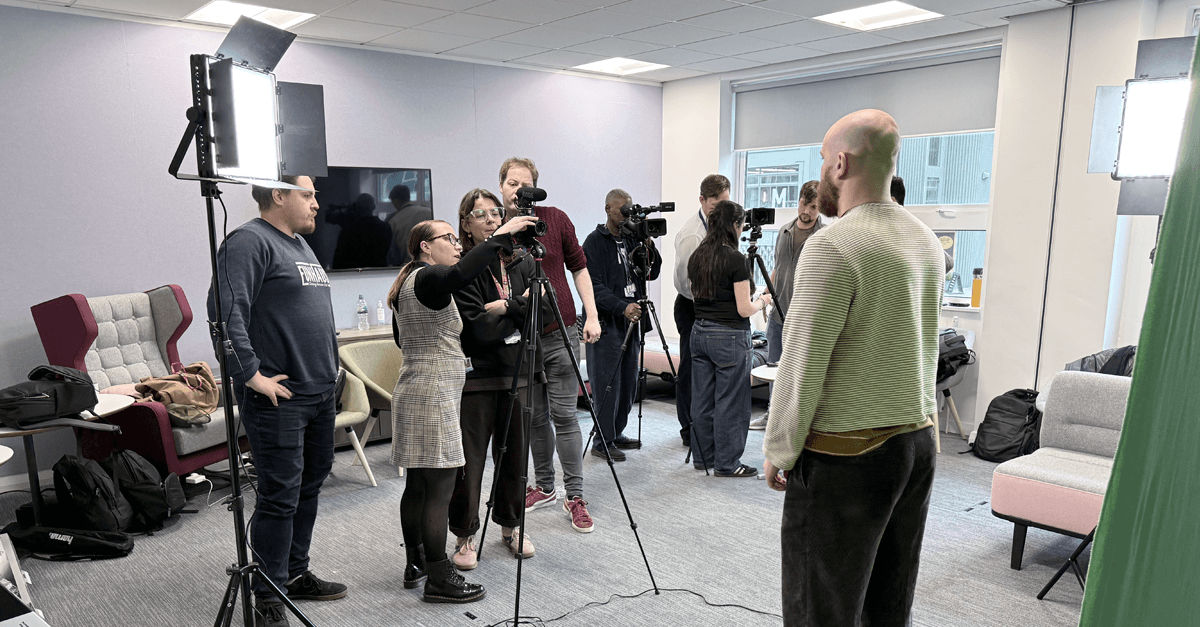
This practical, hands-on training takes you through the complete production process — developing an idea, writing a script, planning your shots, setting up lighting and audio, operating cameras, filming against green screen and finally editing and finishing your project in Adobe Premiere Pro.

For those wanting to take their productions further, After Effects can be added as a post-production module for motion graphics, visual effects, titles, compositing and animation.

Whether you're an individual looking to build your production skills or a team wanting to bring video production in-house, your training can be structured around your objectives, experience and equipment.

Book One-to-One Training

How the training works?

A Customised Video Production Week

Rather than putting you through a fixed course covering material you may never use, your training can be built as a customised production programme.

Choose the areas your team or organisation needs most, combine modules into an intensive week, or focus on specific stages of the production process.

1

Plan Your Training

We start by understanding what you want to achieve, your current experience, the equipment you have available and the type of video you want to create.

2

Build Your Programme

Your training is assembled from practical production modules — from creative development and filming through to Premiere Pro editing and After Effects.

3

Learn by Doing

This is hands-on training. You'll work through techniques, setups and workflows rather than simply watching demonstrations, giving you the opportunity to put each skill into practice.

4

Create & Edit

Bring everything together by producing and editing real footage, learning how the different stages of production connect to create a finished piece of content.

Complete Production Workflow

Understand how creative development, planning, filming, sound, editing and post-production fit together.

Built Around Your Needs

Choose the modules that matter to you and create a programme around your organisation, projects and existing equipment.

Practical, Hands-On Learning

Learn by doing. Set up equipment, experiment with lighting, record audio, operate cameras and edit real footage.

Individual or Team Training

Training can be delivered for an individual or an entire team, making it ideal for organisations looking to develop their internal video production capabilities.

Book One-to-One Training
01 — Ideas & Creative Development

Turn an initial idea into a workable video concept.

  • Developing ideas
  • Defining your audience

  • Video formats and objectives
  • Planning content

  • Visual storytelling
  • Production planning
02 — Script Writing
Learn how to structure your ideas into an effective video script.

  • Writing for video
  • Structure and pacing
  • Voiceover scripts
  • Interview questions
  • Calls to action
  • Writing for different audiences

03 — Storyboarding & Shot Planning

Plan your production before you pick up a camera.

  • Storyboards
  • Shot lists
  • Shot types and composition
  • Camera angles
  • Continuity
  • Planning sequences

04 — Camera Operation

Build confidence behind the camera and understand how to capture usable footage.

  • Camera controls
  • Exposure
  • Focus
  • Frame rates
  • Resolution
  • Composition
  • Shot types
  • Camera movement

05 — Lighting

Learn how to create consistent, professional-looking lighting.

  • Three-point lighting
  • Key, fill and backlight
  • Natural and artificial light
  • Lighting interviews
  • Controlling shadows
  • Lighting for green screen

06 — Green Screen

Learn how to shoot footage ready for professional compositing.

  • Green screen setup
  • Lighting the background
  • Subject positioning
  • Avoiding spill
  • Camera considerations
  • Preparing footage for compositing

07 — Audio & Recording

Good video needs good sound.

  • Microphone types
  • Choosing the right microphone
  • Recording dialogue
  • Interview audio
  • Monitoring sound
  • Levels and recording
  • Room acoustics
  • Syncing audio

08 — Production & Filming

Put the planning into practice and learn how to run a shoot.

  • Setting up equipment
  • Working with talent
  • Directing a shoot
  • Capturing B-roll
  • Managing shots
  • Working efficiently on location
  • Organising footage

09 — Premiere Pro Editing

Turn your footage into a finished video using Adobe Premiere Pro.

  • Importing and organising footage
  • Creating sequences
  • Editing techniques
  • Cutting interviews
  • B-roll
  • Transitions
  • Titles and graphics
  • Colour correction
  • Audio mixing
  • Music
  • Exporting for different platforms

10 — After Effects & Motion Graphics

Take your finished video further with Adobe After Effects.

  • Motion graphics
  • Creating sequences
  • Logo animation
  • Lower thirds
  • Visual effects
  • Green screen compositing
  • Tracking
  • Animation
  • Premiere Pro integration

Case Studies

BBC

Video Editing - Glasgow/Salford/London

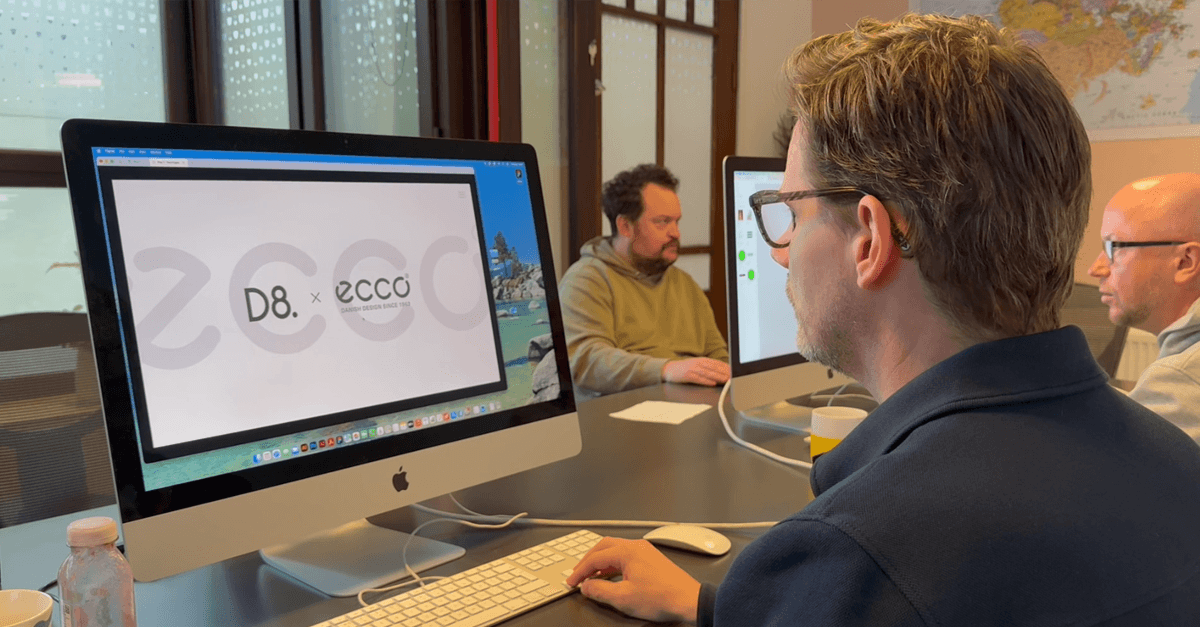
D8

Design Agency - Glasgow

Disney

Marketing/Animation - London

Dog Digital

Design Agency - Glasgow

HMRC

Green Screen / Scripting Videography - Salford

STV

Video Editing - Glasgow

Testimonials

HMRC_logoBBC_logoSchuh_logoAshurst_logoforpeople_logoExchange_training_logoCeltic_logodog_Glasgow_logoScottish_palimant_logoMetropolitan_PoliceAdobe_logoSTV_logoBand_of_Scotland_logoForty_clothing_logouniversity_sheffield_logobet365_logouniversity_stirling_logoDisney_logoDubai_logoEdinburgh_napier_logoJellyshih_logoThomson_Reuters_logoShetland_time_logoScotrail_logoEducation_scotland_logoYorkshire_Police_logoUpskill_logoRCS_logoCouncil_logoUCA_logoWales_police_logoD8_Glasgow_logoUAL_logographics_speech_logoAcademy_class_logoPolice_scotland_logo