

Tailored on-site training that helps creative teams build confidence, consistency and efficiency with the tools they use every day.

Creative Training Built on Real-World Practice.

Adobe-certified training across design, video and digital - grounded in industry experience and university-level teaching.

Pixel & Vector is led by Simon King - a creative director, Adobe Certified trainer, university lecturer and active practitioner working across design, video and digital media.
With over 16 years’ experience, training spans more than 14 industry-standard tools including Photoshop, Illustrator, InDesign, Premiere Pro and After Effects - with a focus that goes beyond software into creative thinking, workflows and real-world application.
Whether working with global organisations, public sector teams or individual creatives, the goal is simple: build confident, capable creators who can produce professional-quality work in-house.

Training Options

Video Production & Editing Training - From Idea to Post Production Export

Complete Week +
Future support and evaluation

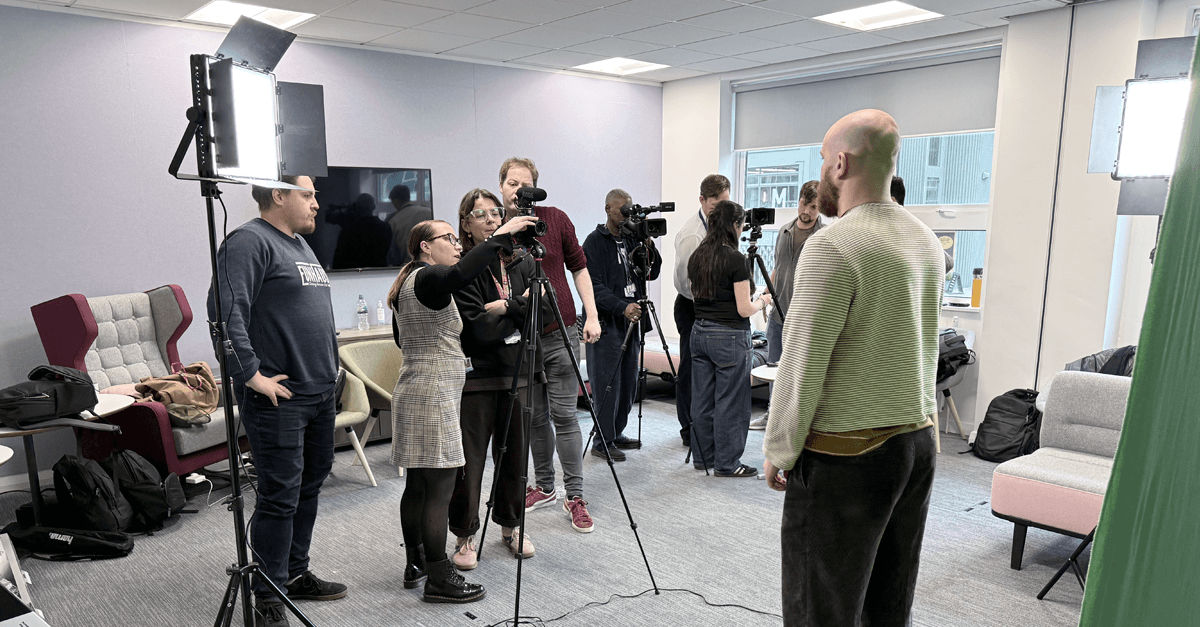
This is more than just learning software. It’s a practical, hands-on programme that covers the full video pipeline - from storytelling and shot planning, to camera setup, lighting, audio and green screen production, through to editing in Premiere Pro and motion graphics in After Effects.

Teams learn how to think like creators, not just operators - understanding why content works, how to capture it properly, and how to bring it together into polished, professional output.

Whether you're building internal communications, marketing content or social video, this training gives your team the confidence and capability to produce high-quality work without relying on external agencies.

One-to-one

1 - 4 days / WEEKEND
evening sessions online

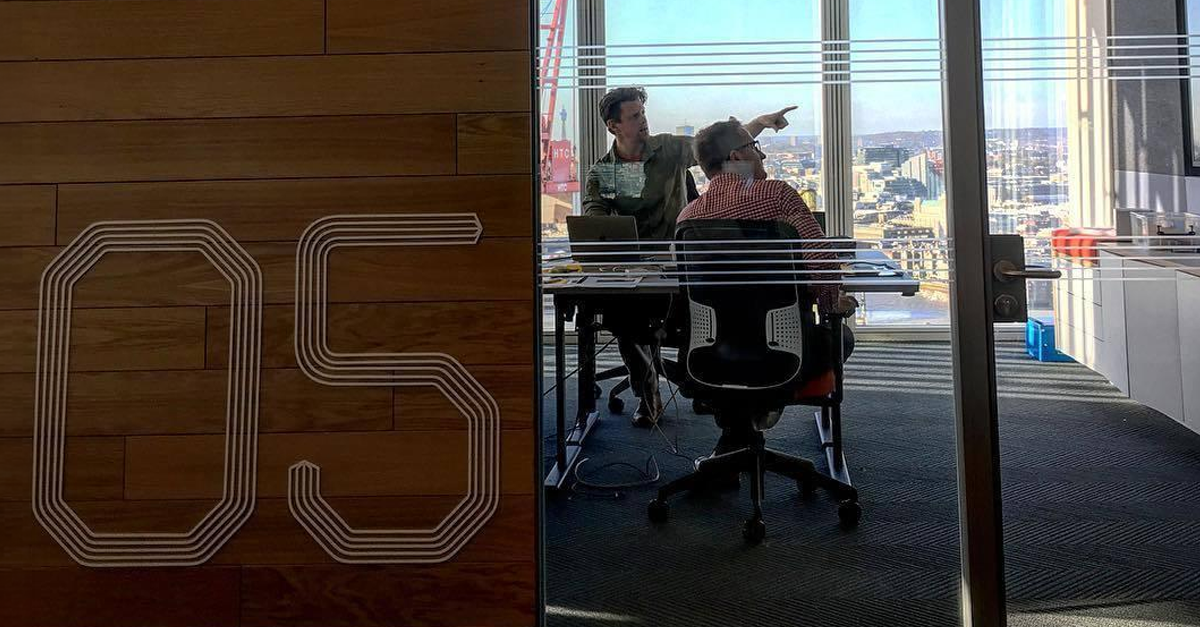
Experience personalized creative software training with Pixel & Vector from the comfort of your home. Our one-to-one online sessions offer tailored learning, flexibility, and expert guidance, empowering you to master Adobe tools and achieve your creative goals efficiently and effectively.
Online Team

1 - 4 days / full week bookings 
/ evening sessions

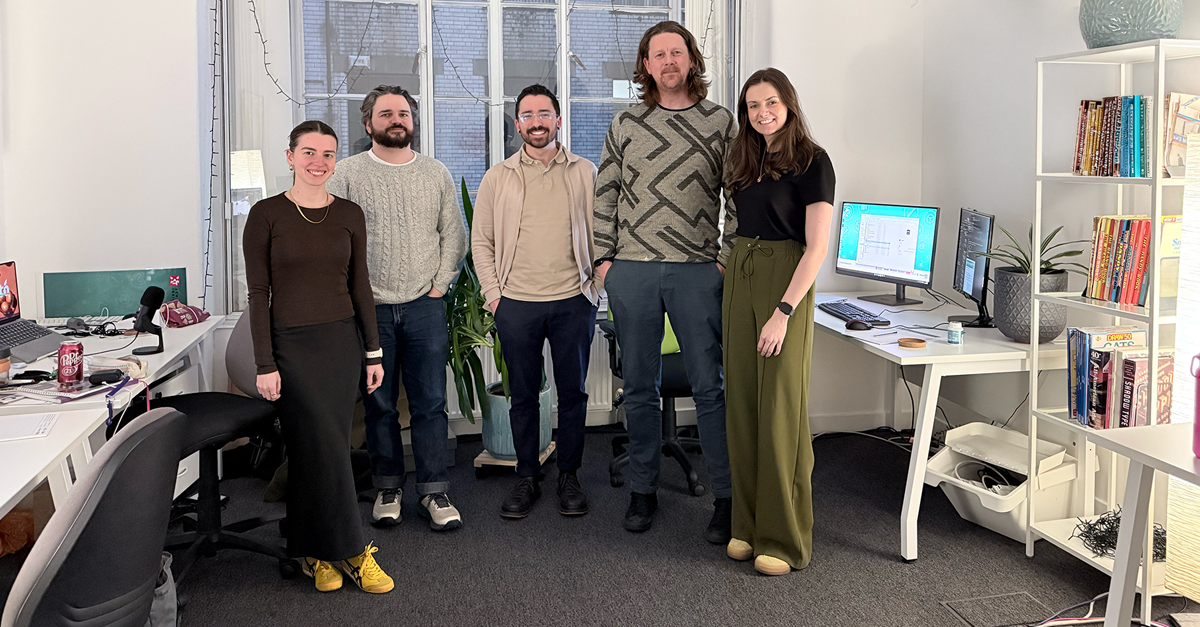
Empower your design team with Pixel & Vector's online training. Our expert-led, one-to-one sessions offer personalized instruction, flexibility, and convenience, enhancing your team's skills from home. Boost creativity, productivity, and proficiency in industry-leading software without leaving your workspace.

Onsite Teams

2 - 4 days training / 
full week bookings

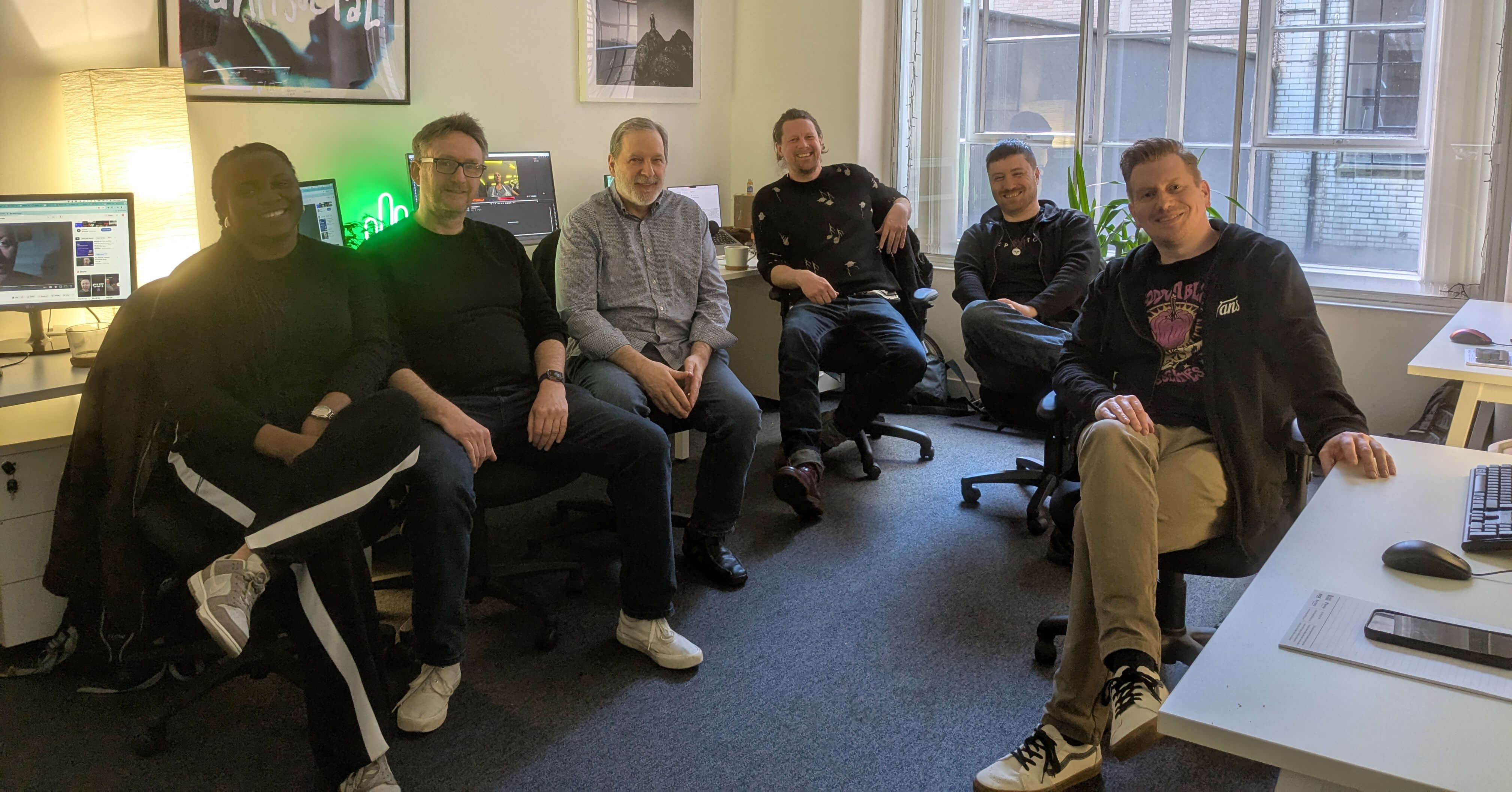
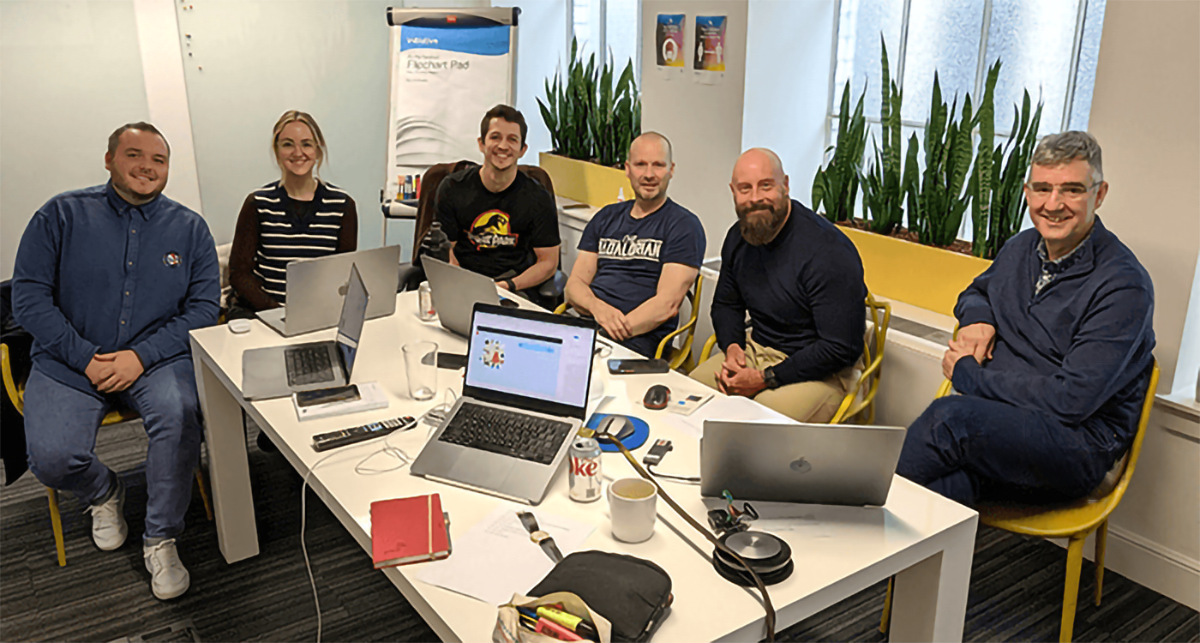
Enhance your team's skills with Pixel & Vector's on-site training. Our experts travel to your studio, providing personalized instruction in industry-leading software. Enjoy the convenience of on-location training, tailored to your team's needs, boosting creativity and productivity.
Pre-recorded Training Videos

For individuals and teams who prefer to learn at their own pace, Pixel & Vector offers a growing library of high-quality pre-recorded creative software training videos. Each course focuses on practical, real-world workflows, allowing learners to pause, rewind and revisit key concepts as needed. Ideal for onboarding, refresher training and independent learning, these courses provide flexible access to expert-led instruction without live scheduling.

Testimonials

Shannon McGarrity

Celtic Football Club Marketing and Communications Officer

Wow! I have just completed an induction of After Effects with Simon as tutor. I highly recommend Simon, his skill and knowledge went beyond imagination and I will be sure to stay in touch and complete courses under his tuition in the near future. Thank you so much!

Marie Gordon

University for the Creative Arts Philanthropy Communications Manager

I spent two days with Simon learning the basics of Adobe After Effects. The sessions were relaxed but informative, working through a few 'projects' while learning where everything was and how to do different techniques. Being able to ask questions and troubleshoot with a real person was much better for me than trying to learn from online videos. Friendly chat and a sense of humour made the sessions enjoyable too.

Juan Martos Diaz

Media Production Officer at The University of Edinburgh

Simon is an excellent AE trainer: patient, approachable, thorough and fun to work with. Highly recommended if you are looking to loose the fear of dabbling in After Effects and deepen your knowledge on Creative Cloud workflows. As a video producer and experienced Premiere Pro user, I appreciated Simon's ability to draw parallels between the two programs to explain key concepts. The course with XChange Training was easy to follow and steadily increasing in complexity, but always manageable. At the end of the week-long course I went from beginner to Adobe Certified Professional. Very grateful to all!

Charlene Archibald

PA & Office Manager at Robertson Construction Central East

Brilliant two days learning with Simon. He was very knowledgeable. Such an engaging tutor. One of the best trainers I have come across and I cannot wait to go back and learn with Simon again in the future

Karl Chadwick

Graphic Designer and Web Developer at Oldham College

An amazing trainer, complete contrast to the introduction lessons I had, gained a whole lot of relevant experience from what you showed me, would even like to pursue this and start working with this full time it’s a great package to work with!

Aaron Balitsky

Media and Art Technician/Teacher at Christ The King Sixth Forms

Being taught by Simon was a genuinely great experience. His down-to-earth, approachable style made it easy to ask questions and follow along. The course boosted my confidence, improved my workflow, and helped me fall in love with After Effects all over again. Simon’s extensive industry experience is very visible in his teaching, giving practical insight that you can apply right away. Highly highly recommend !!

Adrian Carrol

Creative Director, D8

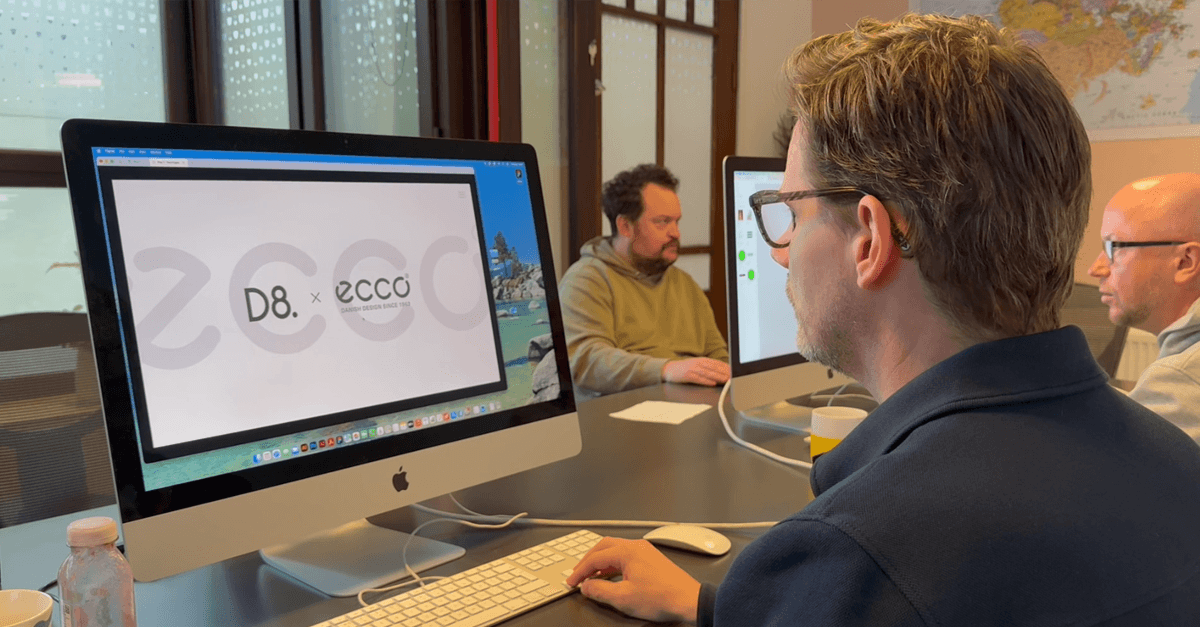
We've used Simon for training a number of times over the years, most recently for getting a number of us up to speed on Figma. He keeps things clear, simple and breaks things down in a way that's easy to understand and enjoyable to do. I'd thoroughly recommend him.

<!-- Link Swiper's CSS -->
  <link rel="stylesheet" href="https://cdn.jsdelivr.net/npm/swiper@12/swiper-bundle.min.css" />


<!-- Swiper JS -->
  <script src="https://cdn.jsdelivr.net/npm/swiper@12/swiper-bundle.min.js"></script>

  <!-- Initialize Swiper -->
  <script>
    var swiper = new Swiper(".mySwiper", {
      slidesPerView: 3,
      spaceBetween: 30,
      freeMode: true,
      pagination: {
        el: ".swiper-pagination",
        clickable: true,
      },
    });
  </script>